











 REPLAY
Your own
streaming service.
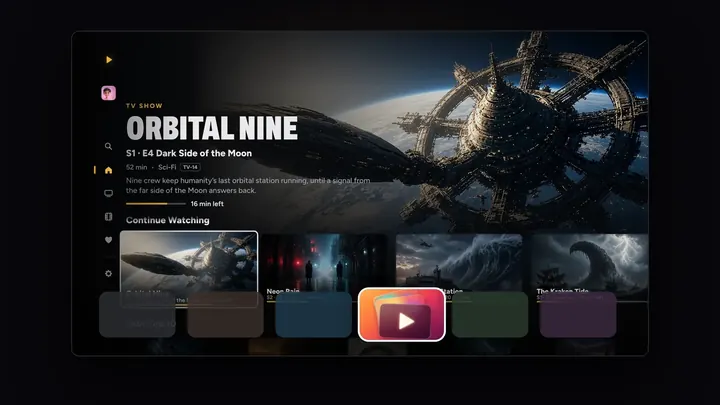
The movies, shows and home videos you already have, with posters, profiles, previews and picks made for you. On every screen you own.
7 days free on Yearly for new subscribers. No account to make.
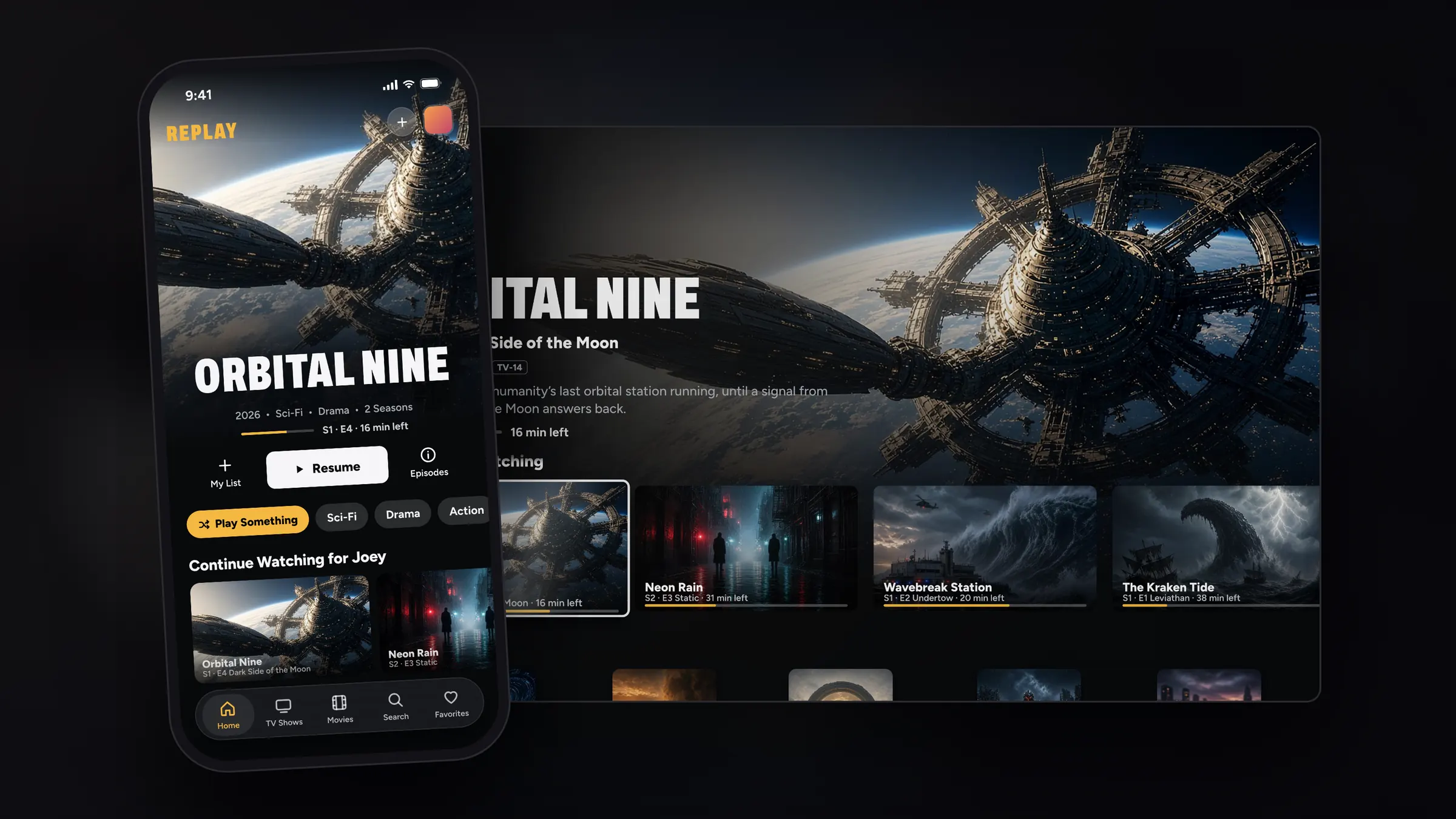
Front and center.
On iPhone, what you’re watching now fills the top of Home. Its scenes drift by and its preview plays, with My List, Play and Info right underneath.
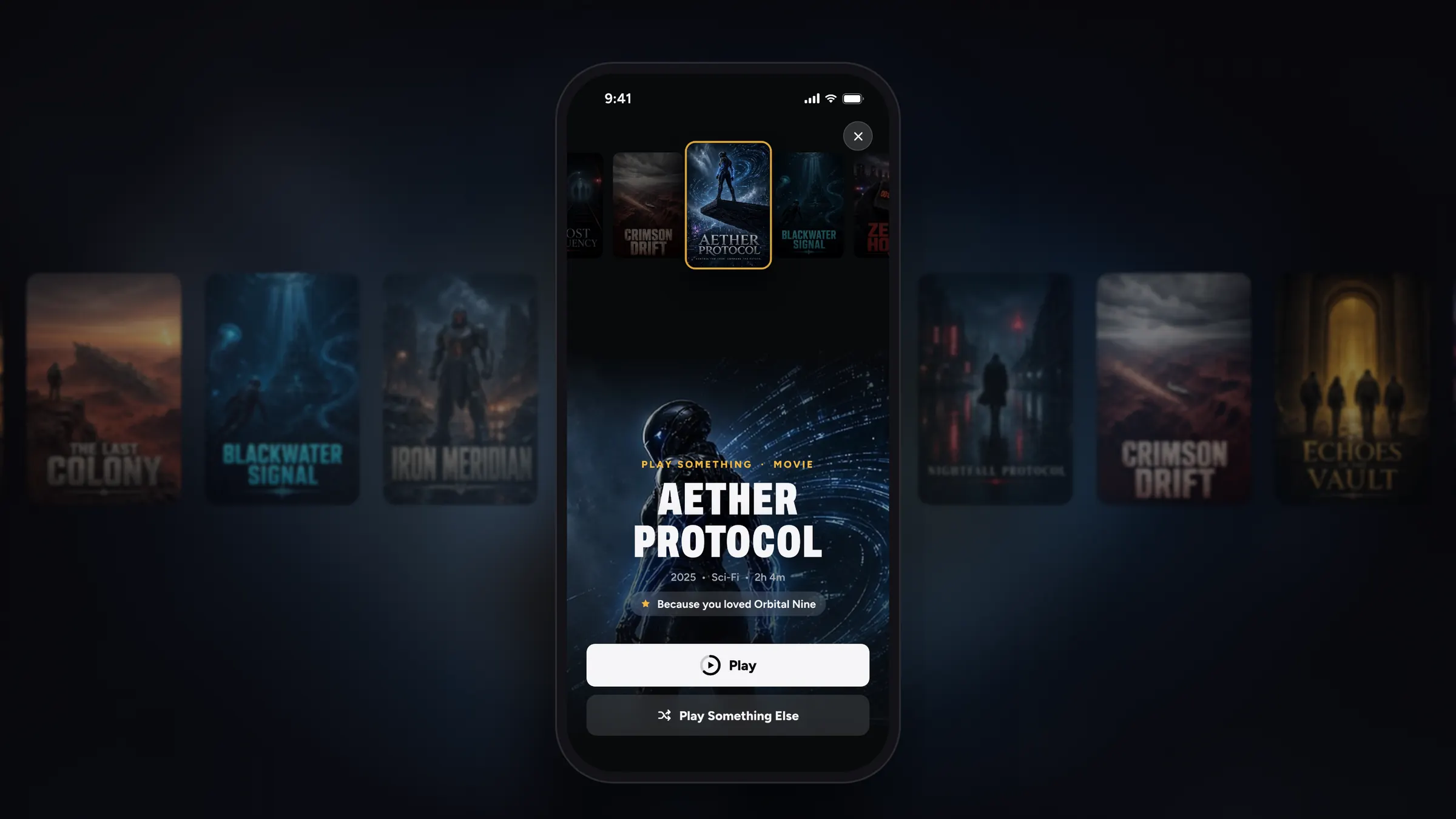
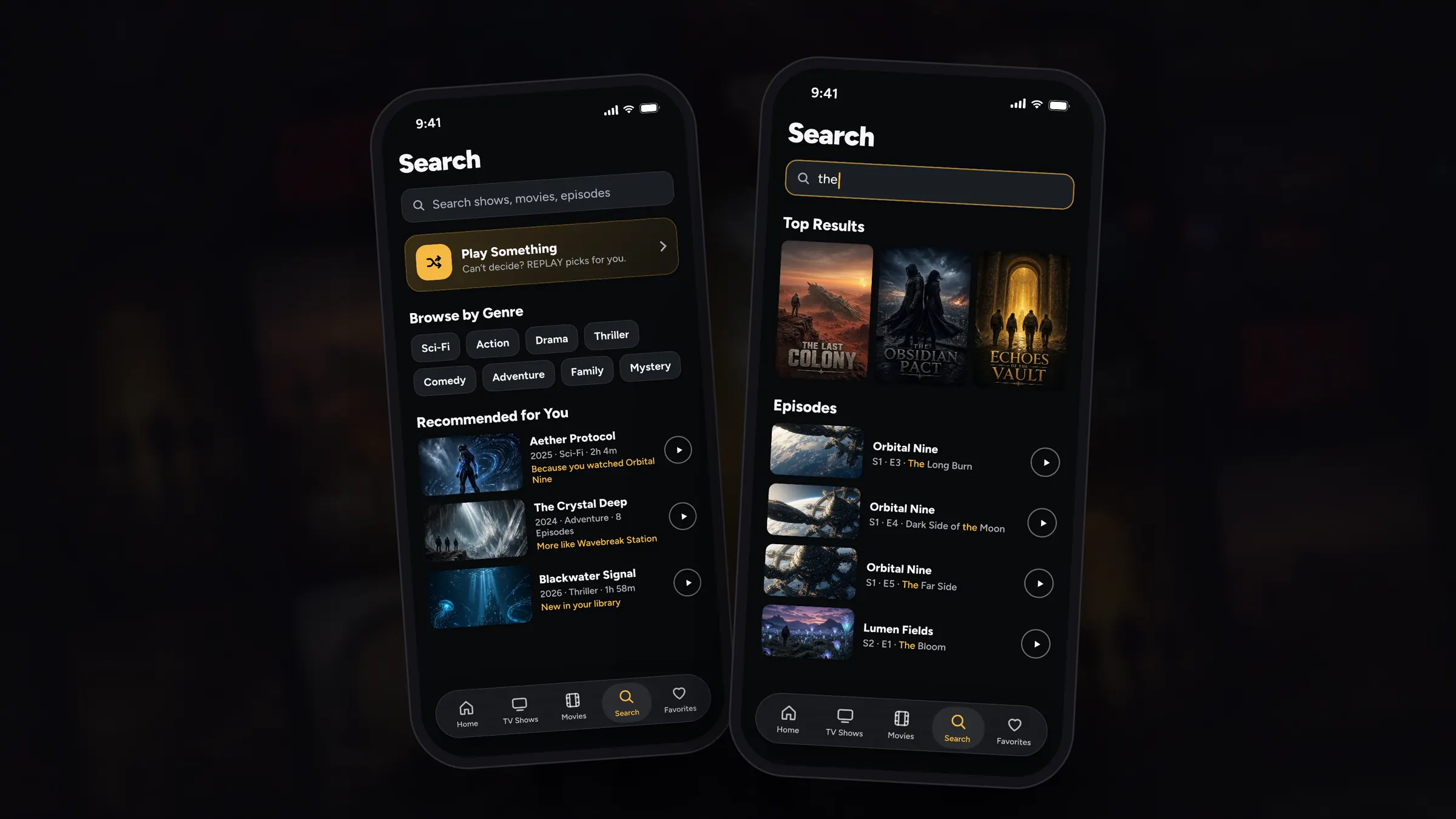
New in 7.0
See all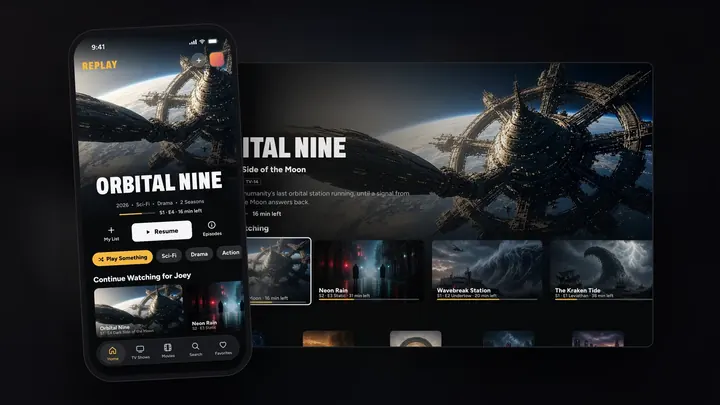
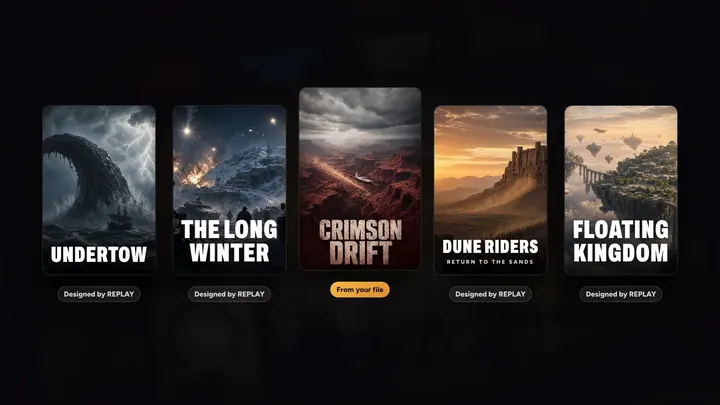
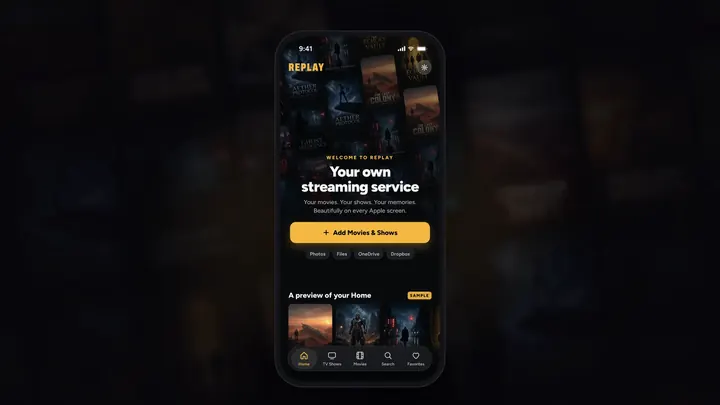
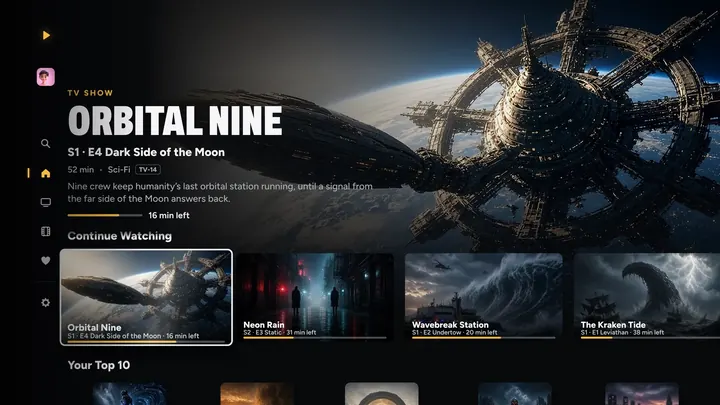
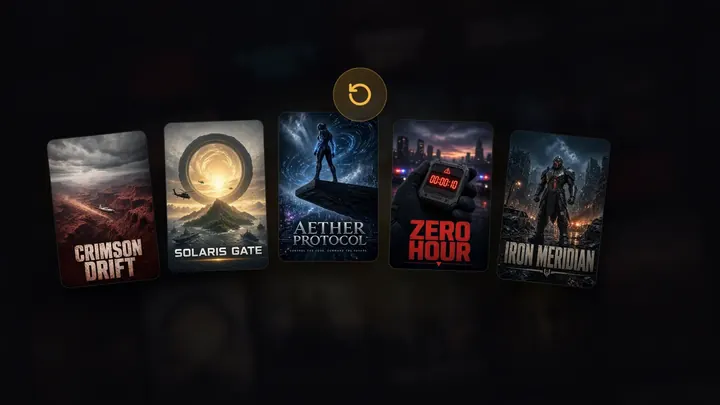
Keep watching
See all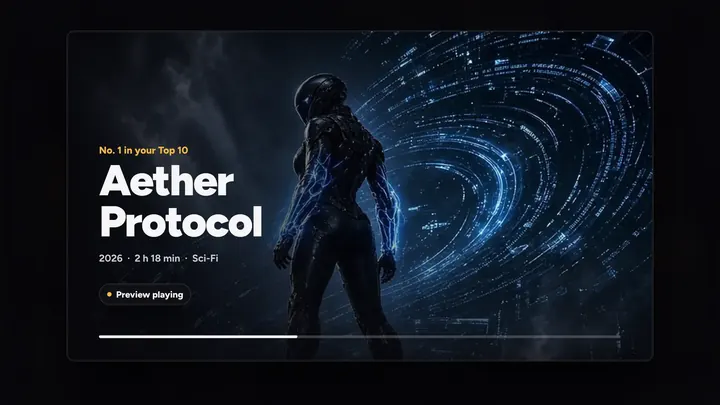
Your library, from anywhere
See all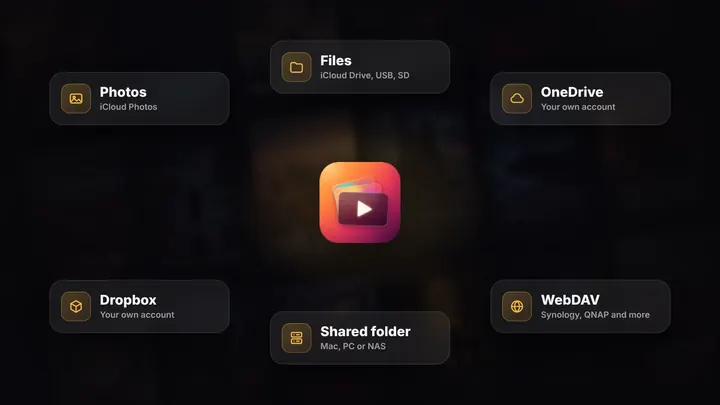
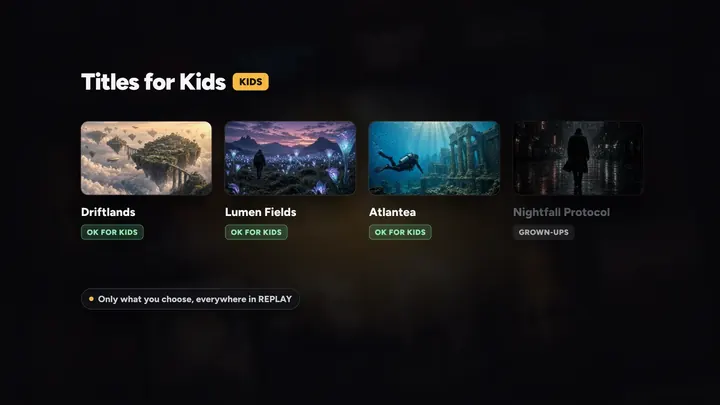
For the whole family
See all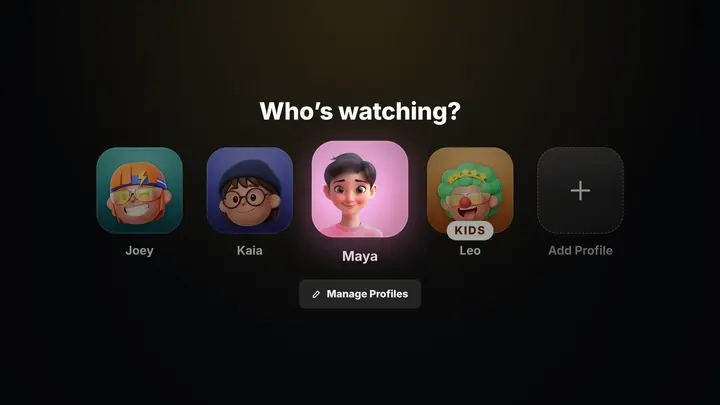
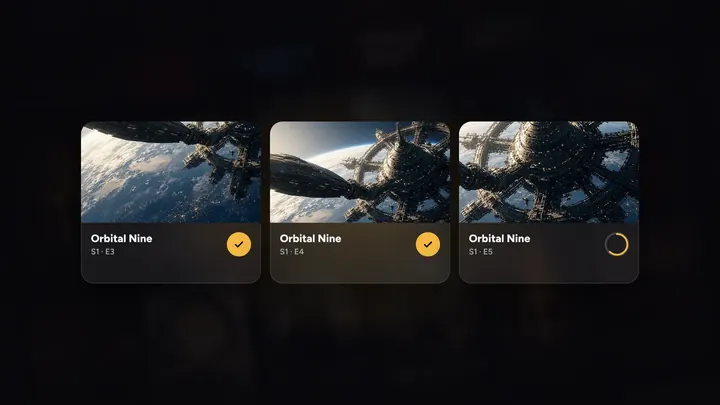
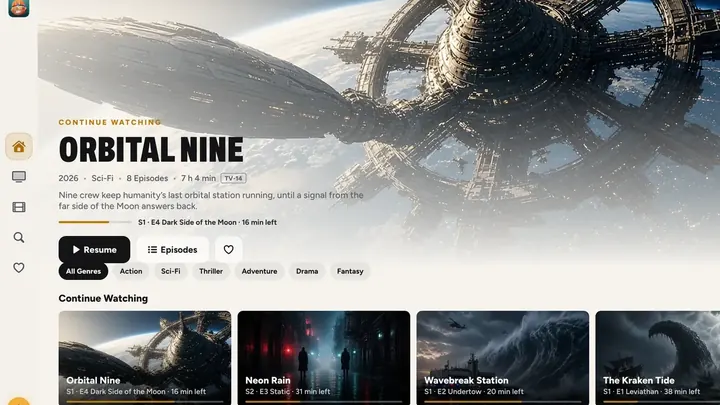
On every screen
See all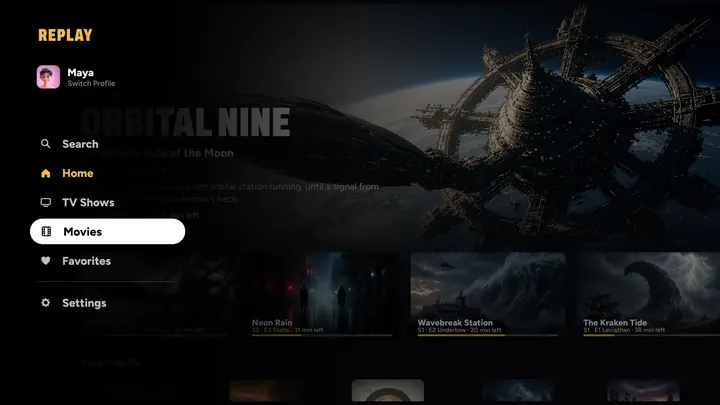
Picture and sound
See all
Three steps to movie night.
No server, no uploads, nothing to set up.
Add from anywhere
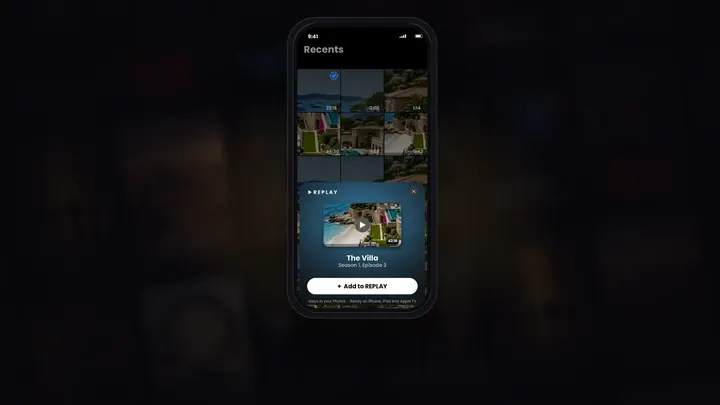
Tap + and pick from Photos, the Files app, OneDrive, Dropbox or a computer at home. Or tap Share on a video in Photos. Nothing is copied.
REPLAY builds your service
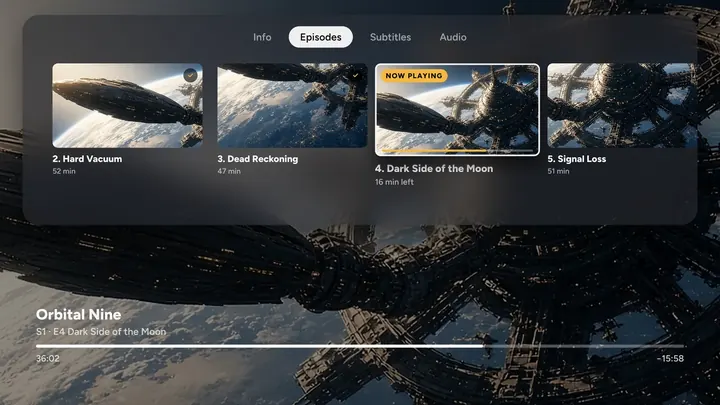
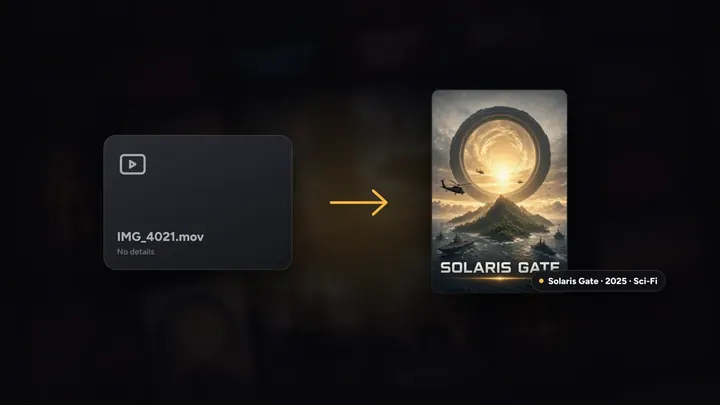
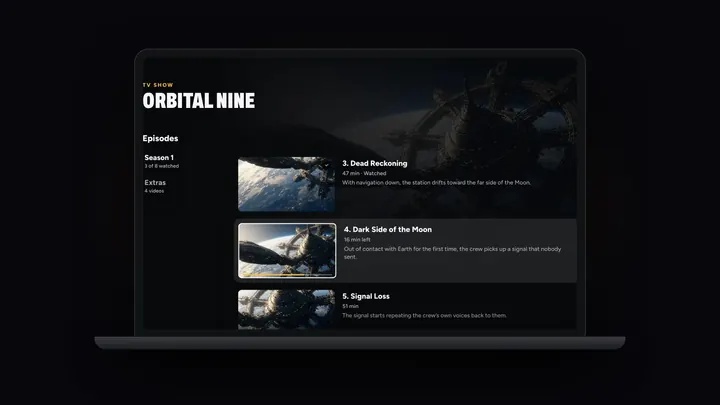
Shows by season and episode, movies with posters, artwork and details. Identify fills in anything it can’t recognise.
Watch anywhere
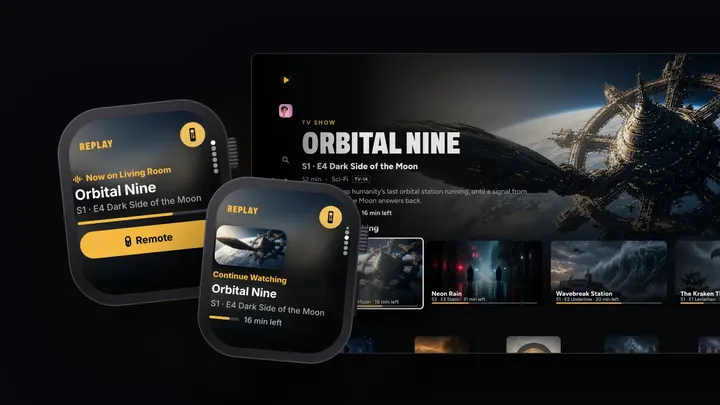
On iPhone, iPad, Mac, Apple TV and Apple Vision Pro, picking up exactly where you left off, with Apple Watch as the remote.
Private by design
Nothing to sign up for.
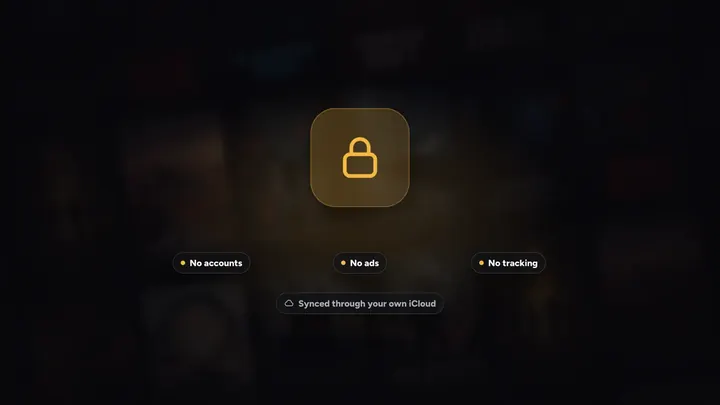
No accounts, no ads and no tracking. Your videos stay where they already live, and your library and progress sync through your own iCloud. We never see any of it.
- Nothing uploaded, nothing copied
- Suggestions learned on your device
- One purchase covers every screen
One plan. Every screen.
REPLAY Pro unlocks every feature on iPhone, iPad, Mac, Apple TV, Apple Vision Pro and Apple Watch.
US prices. The App Store shows yours in your currency before you buy.
Questions
What is REPLAY?
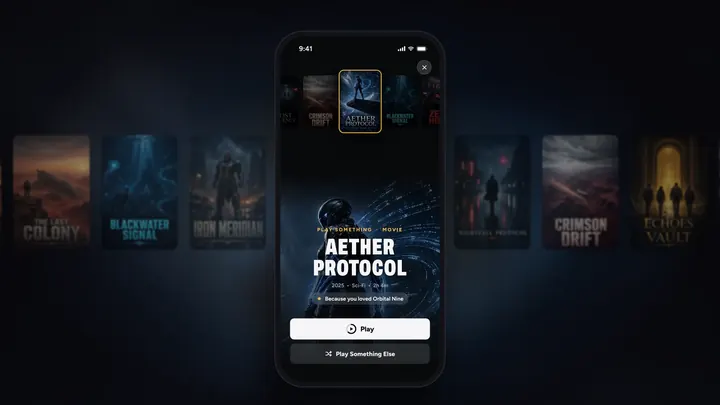
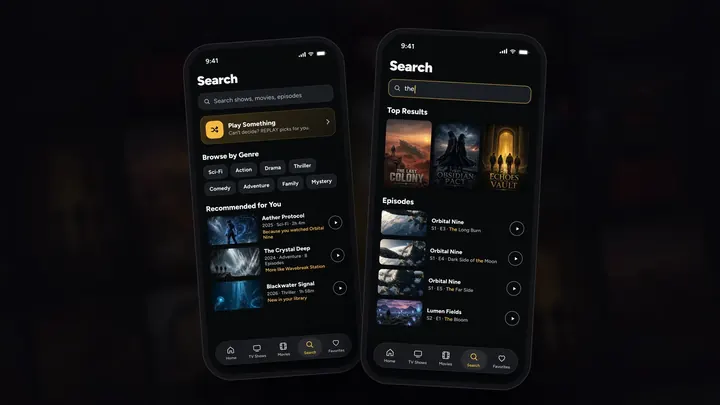
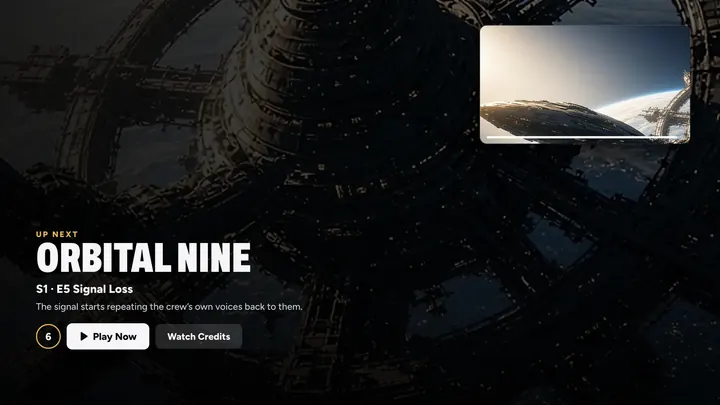
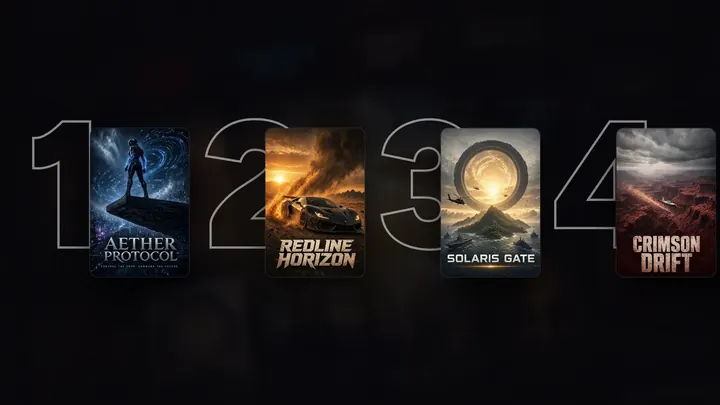
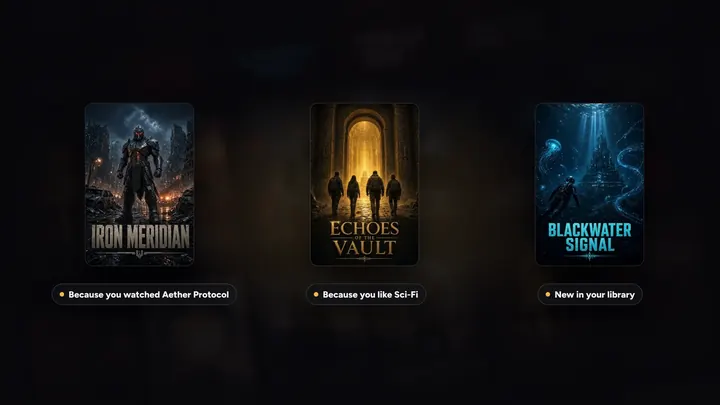
Your own streaming service for the movies and TV shows you already have, on iPhone, iPad, Mac, Apple TV and Apple Vision Pro, with Apple Watch as the remote: posters, Continue Watching, Up Next, your Top 10 and picks made for you. Home videos work beautifully too.
Are my videos uploaded?
No. Your videos stay where they already live: Photos, the Files app, your own OneDrive or Dropbox, or a computer at home. Your library and progress sync through your own iCloud. REPLAY has no accounts, no ads and no tracking, and we never see your videos.
Which devices does REPLAY work on?
iPhone and iPad with iOS 26 or iPadOS 26, Macs with Apple silicon on macOS 26, Apple TV with tvOS 26, and Apple Vision Pro with visionOS 26, or later, plus REPLAY on Apple Watch alongside your iPhone. Sign in to the same Apple Account and your library, progress and REPLAY Pro follow you to each one. You don’t need an Apple TV: REPLAY is complete on any of them.
Which videos work?
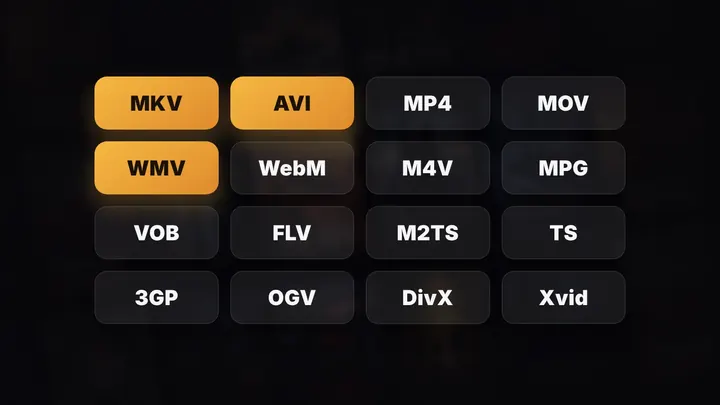
Almost any: MP4, MOV and M4V, plus MKV, AVI, WMV, WebM, MPG, VOB and more, which REPLAY rewraps live on your device. Shows are recognised from file and folder names like S01E02. Protected (DRM) videos aren’t supported.
Is there a free trial?
Yes. The Yearly plan starts with a 7-day free trial for new subscribers. On iPhone and iPad, REPLAY can remind you 2 days before it ends. Cancel before it ends and you won’t be charged.
Works great with
All seven apps
Save it. Watch it.
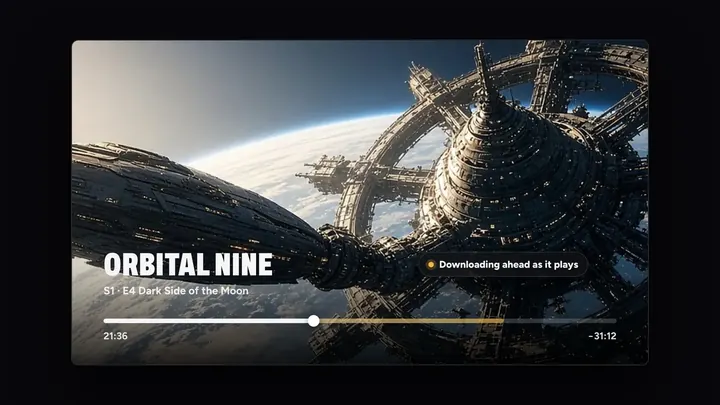
Save a video with DOWNLOAD IT straight to Photos, share it to REPLAY, and it’s on your TV with a poster a moment later.
Meet DOWNLOAD IT
Old videos, made new.
Upscale a grainy home video to 4K with Scale the clip in GEEKED OUT, then watch it big in REPLAY.
Meet GEEKED OUT
Tell everyone what’s on.
Post your movie night on FLY(er) and link people straight to REPLAY.
Meet FLY(er)


Your turn on the sofa.
On iPhone, iPad, Mac, Apple TV and Apple Vision Pro, with Apple Watch as the remote.
7 days free on Yearly for new subscribers. Cancel anytime.