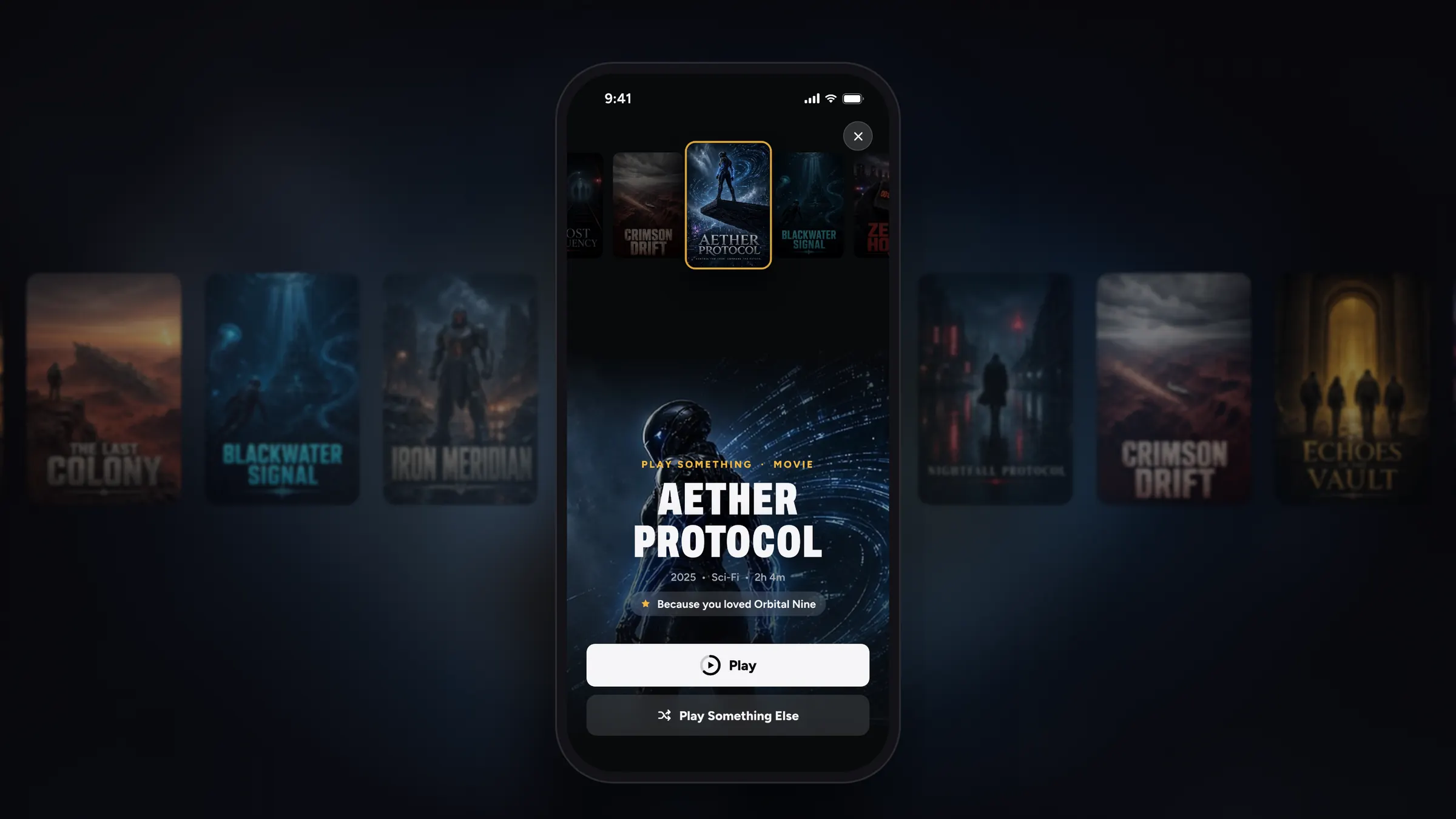
Your own streaming service, redesigned.
A cinematic new Home on iPhone, a rebuilt Search, Play Something when you can’t decide, smoother playback and better movie posters.
REPLAY 7.0 Latest
A cinematic Home, Play Something, a rebuilt Search, smoother playback, better movie posters, Watch It Again and a warmer welcome.
1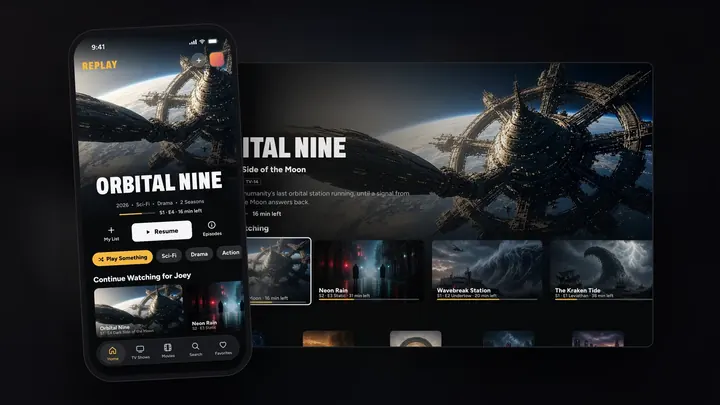
Front and center
On iPhone, what you’re watching now fills the top of Home. Its scenes drift by and its preview plays, with My List, Play and Info right underneath.
iPhone
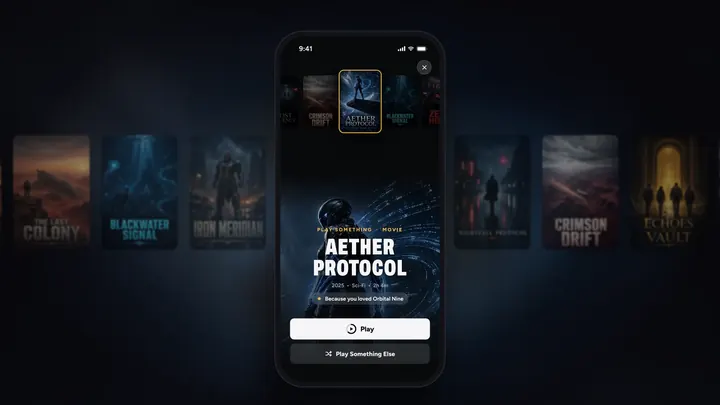
Can’t decide? One tap.
REPLAY picks a show or movie for whoever’s watching, tells you why, and starts it.
Apple TV, iPhone and iPad
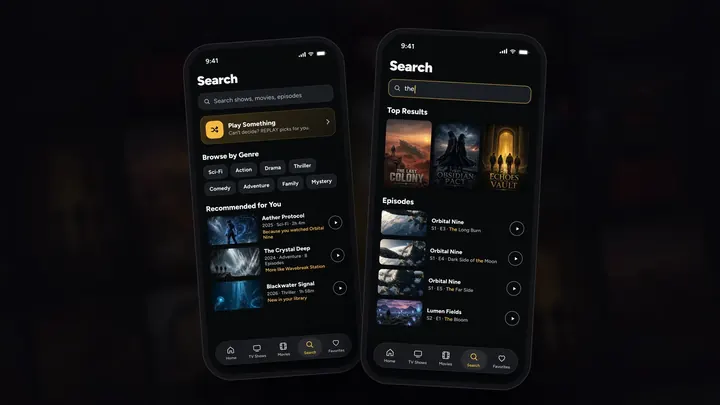
Find anything, fast
The search field is always at the top. Before you type: Play Something, genres to tap, and recommendations from your own library. As you type: posters first, then every matching episode.
iPhone and iPad
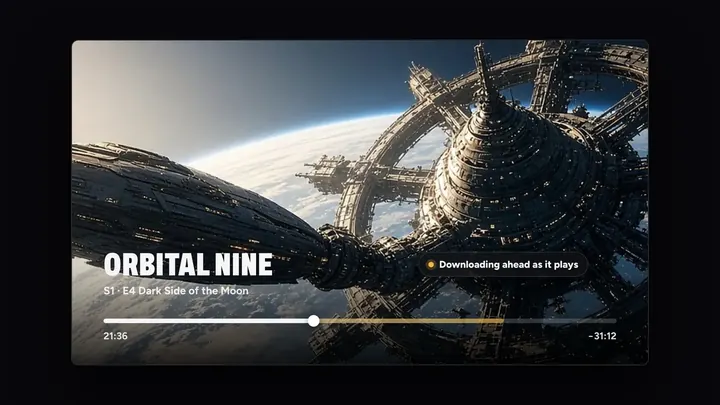
The picture keeps going
Videos now download ahead as they play, even when iCloud is slow to hand them over.
Apple TV, iPhone, iPad and Mac

Every movie, poster-perfect
REPLAY now uses the artwork already inside your movie files. For the rest, it designs a poster from the film’s best scene, with titles that always fit. TV shows get their official posters and details.
Every screen
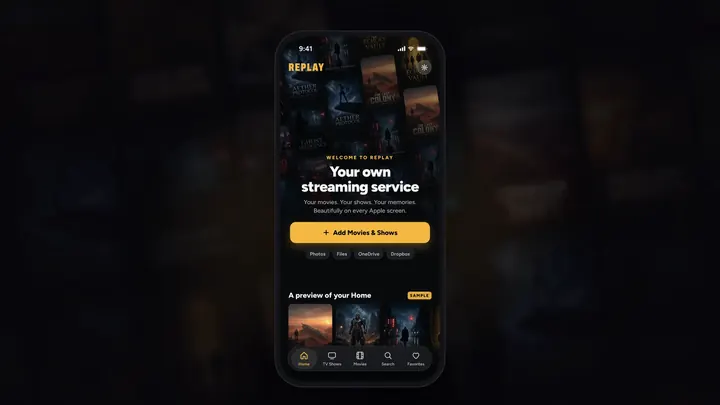
Beautiful from the first moment
New to REPLAY? Home shows you what your library will look like before you add a thing.
iPhone, iPad and Apple TV
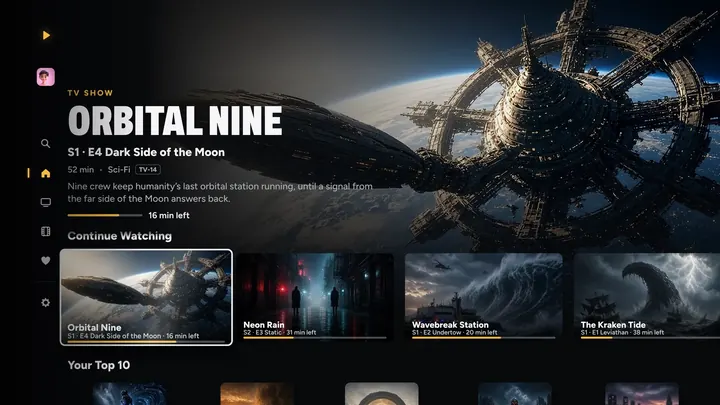
Continue Watching, smarter
Each show once, with the next episode ready. Finished a movie in a series? The next one is waiting.
Every screen
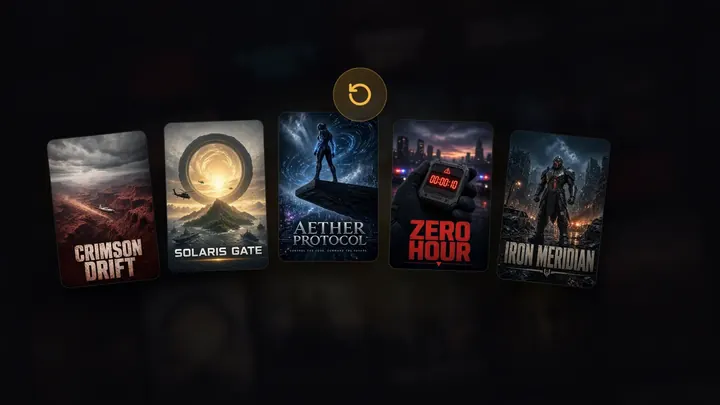
Watch It Again
The shows and movies you’ve finished get their own row, ready for another round.
Every screen
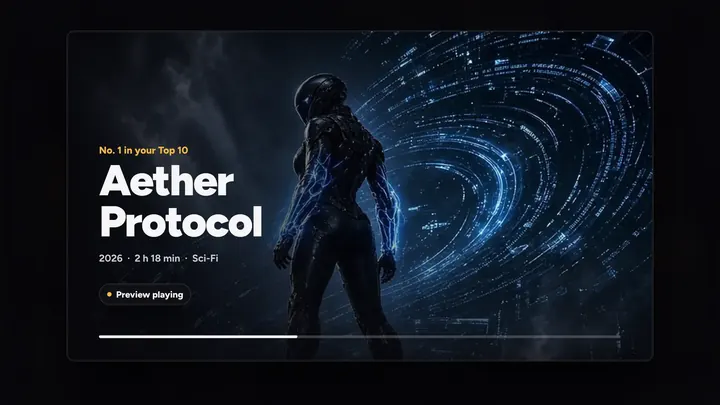
Previews, edge to edge
Widescreen and older 4:3 videos now fill the spotlight, with no black bars.
Every screen
REPLAY 6.3
Play it from anywhere. Your movies and shows straight from the Files app, OneDrive, Dropbox and the computers at home, in almost any format. REPLAY on Apple Watch. And previews that play.
1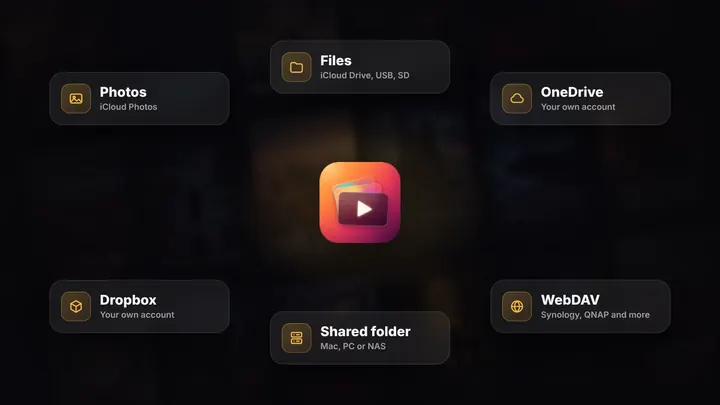
No Photos needed
Play your movies and shows right where they live. Nothing is copied into Photos, and none of your iCloud space is used.
Every screen
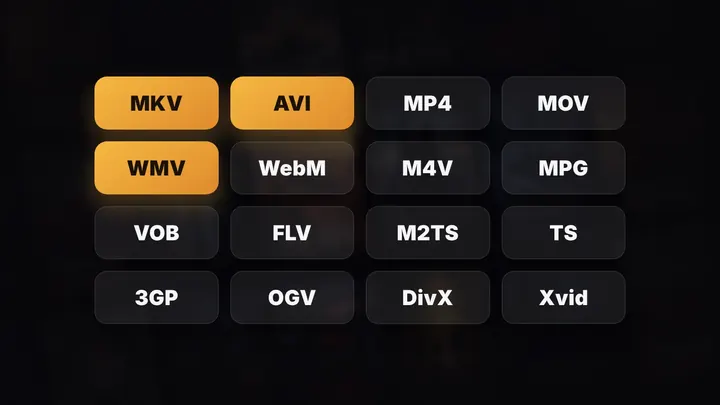
MKV, AVI and the rest
Videos Apple’s player can’t open by itself are rewrapped live on your device, so they play in Apple’s own player with everything REPLAY adds.
Every screen
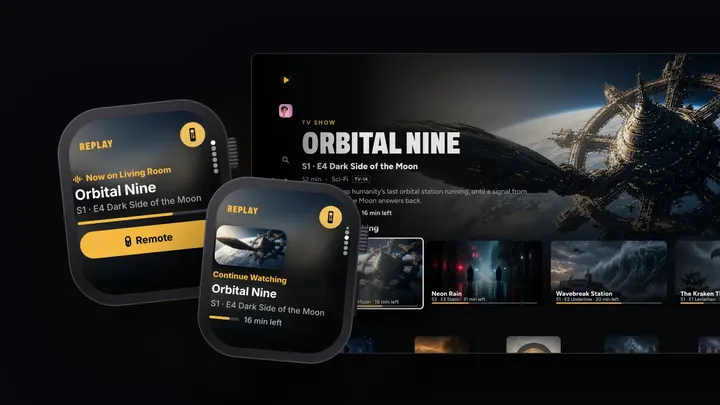
Your wrist, the remote
What you’ve been watching, with its artwork, right on your wrist. Pick a title, pick an Apple TV in the house, and it asks who’s watching, then plays from exactly that spot.
With your iPhone
Rest on a title. It plays.
Land on a show or a movie and, about a second after you arrive, its preview starts. Cut from a great scene, past any intro.
Every screen
Fewer pauses
The occasional pause partway through an episode was fixed, at full quality.
Every screen
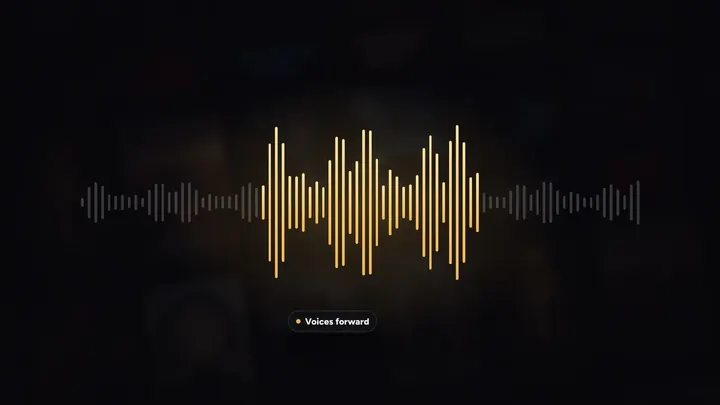
Clarity and Enhance Dialogue, in every format
MKV, AVI and the rest get Clarity’s sharper picture and Enhance Dialogue’s clearer voices, like everything else.
Every screen
Sign in once
Sign in to OneDrive or Dropbox on iPhone, and your Apple TV can play from it too, through your own iCloud, end-to-end encrypted.
iPhone and Apple TV
REPLAY 5.0 to 5.8
Everyone gets their own. Profiles for everyone in the house, a Kids profile, downloads for offline, and an Apple TV that feels brand new.
1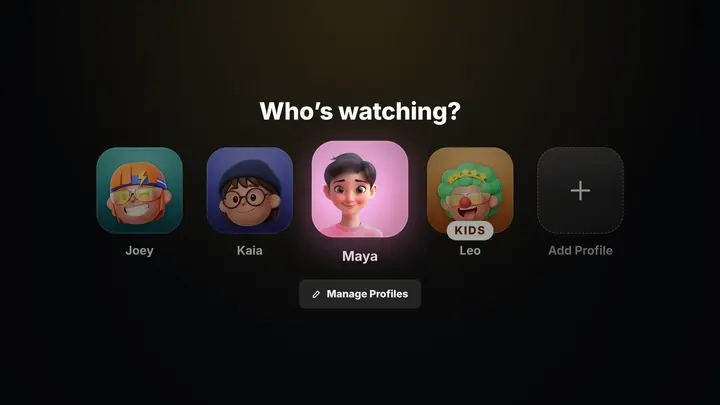
Who’s watching? Everyone.
One library for the whole house, and everyone gets their own place in it.
Every screen
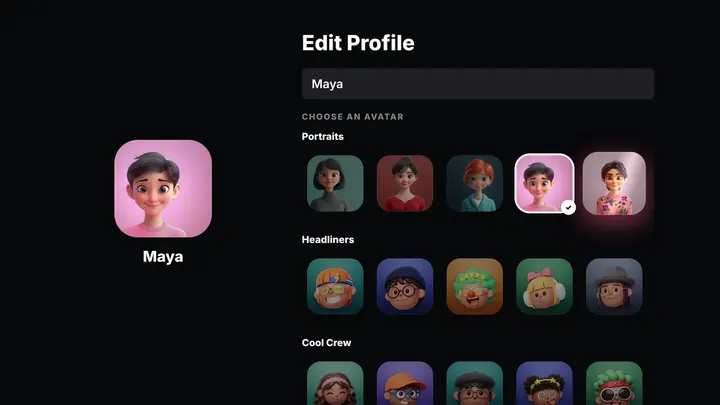
Pick yours
188 avatars in five themed collections: Portraits, Headliners, Cool Crew, Clay Club and Classics, each with a soft sheen that ripples across them.
Every screen
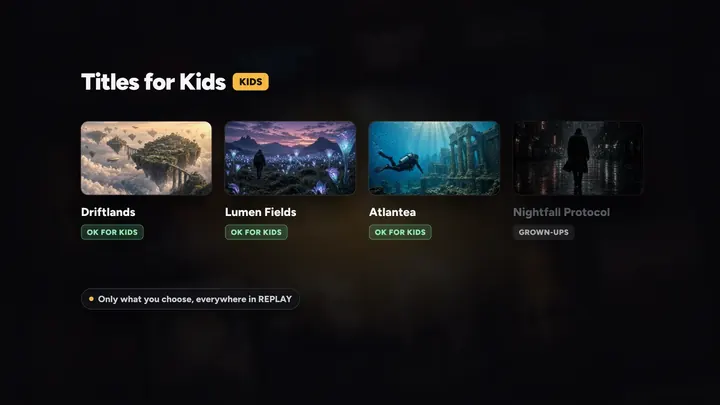
Their own corner. Your rules.
A Kids profile only sees the titles you’ve marked OK for Kids, everywhere in REPLAY: Home, Search, autoplay, even Top Shelf.
Every screen
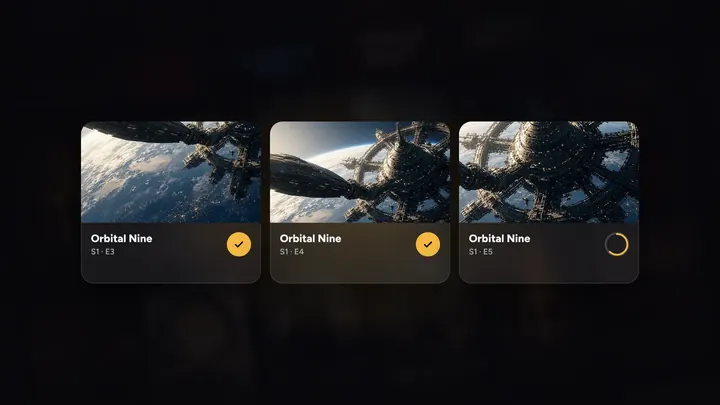
Take it offline
Download a movie, an episode or a whole season and watch it anywhere: on a plane, on the road, no signal needed.
iPhone, iPad and Mac
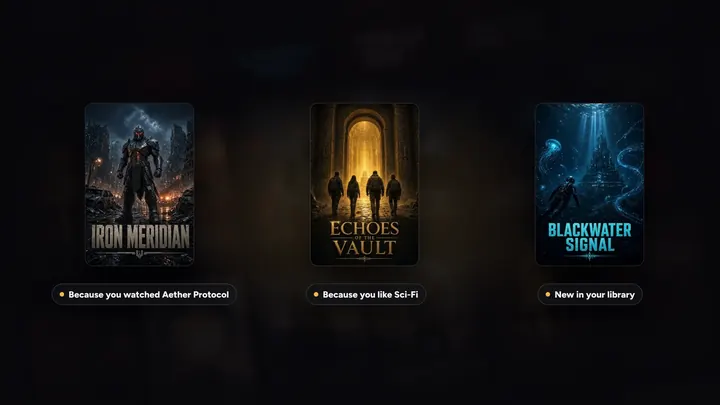
Tell it what you love
Every profile rates for itself. Thumbs up and similar titles come first in Suggested for You. Thumbs down and it’s never suggested, featured or ranked for you again.
Every screen
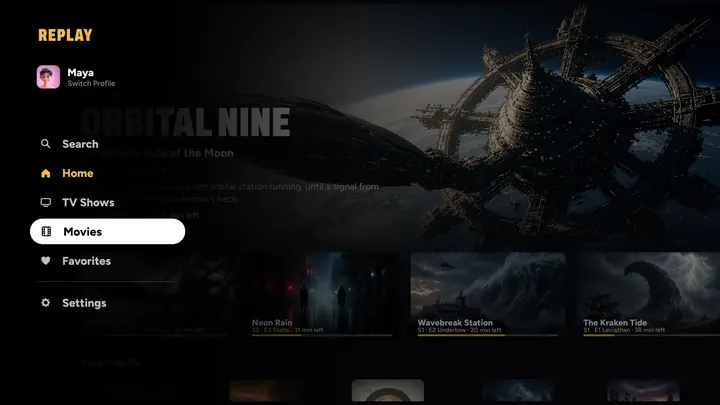
A whole new Apple TV
A side menu like the big streaming apps, a swipe-down info panel while you watch, and Up Next that knows each show.
tvOS 26 or later
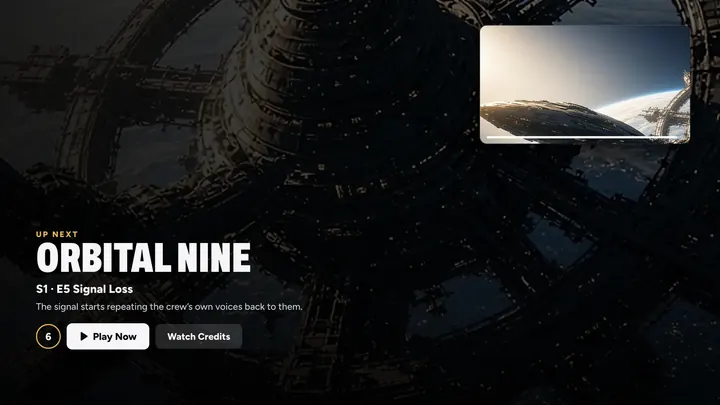
Up Next, right on cue
Every show ends differently. REPLAY learns where each one’s credits begin, so Up Next waits for the story to finish, and never makes you sit through three minutes of credits.
Apple TV, iPhone and iPad

Closer to 4K. Live.
Lower-resolution videos are cleaned up and sharpened as they play, and upscaled on devices that can, so they look and feel closer to native 4K. Your videos are never changed.
Every screen
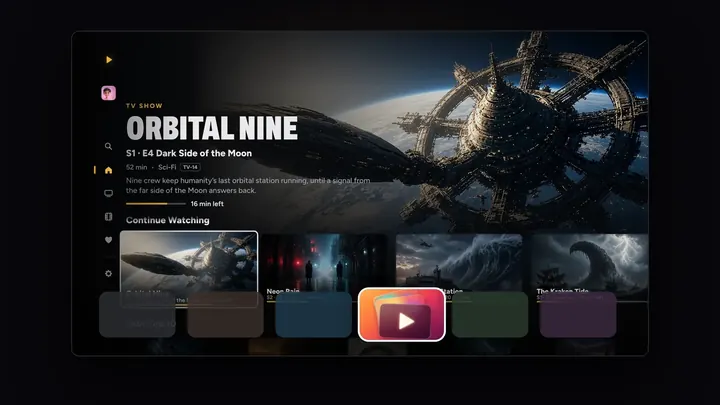
Top Shelf
Continue Watching on your Apple TV Home Screen, full screen, with each title’s details. (5.5)
Apple TV
Smooth Playback
Each video, and the one up next, is ready on your device before you need it. (5.8)
Every screen
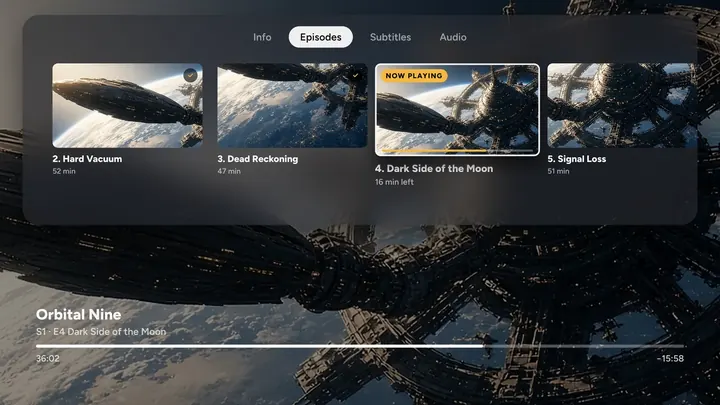
Add to a show
Add Episodes, Add Movies or Add Videos right from a page. REPLAY numbers them and fills in the details.
Every screen
Real genres and your Lock Screen
The standard genres the big services use, everywhere you filter and browse. And what you’re watching, with its poster and episode, on the Lock Screen and in Control Center.
iPhone and iPad
Earlier
Where it all began.
3.0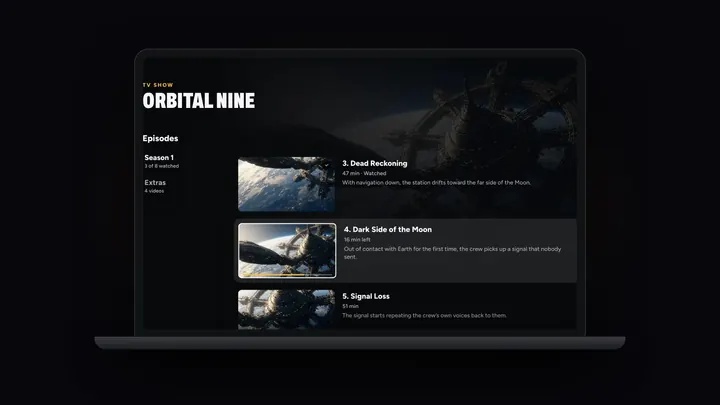
REPLAY on iPad, Mac and Apple Vision Pro
REPLAY on iPad, Mac and Apple Vision Pro, Share to REPLAY from Photos, and a new Lifetime moment.
visionOS 26 or later
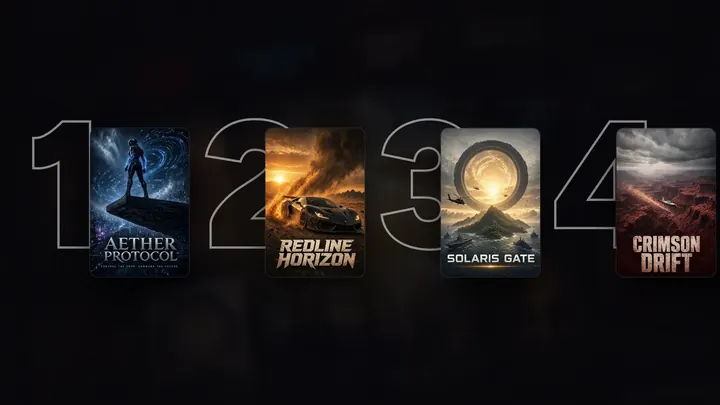
Your Top 10 and Suggested for You
Your Top 10, Suggested for You, the TV Shows and Movies tabs, Search and genres.
Every screen
Where it started
Your own streaming service, on iPhone and Apple TV.
Every screen
Every update is included with REPLAY Pro.
Works great with
All seven apps
Save it. Watch it.
Save a video with DOWNLOAD IT straight to Photos, share it to REPLAY, and it’s on your TV with a poster a moment later.
Meet DOWNLOAD IT
Old videos, made new.
Upscale a grainy home video to 4K with Scale the clip in GEEKED OUT, then watch it big in REPLAY.
Meet GEEKED OUT
Tell everyone what’s on.
Post your movie night on FLY(er) and link people straight to REPLAY.
Meet FLY(er)




Your turn on the sofa.
On iPhone, iPad, Mac, Apple TV and Apple Vision Pro, with Apple Watch as the remote.
7 days free on Yearly for new subscribers. Cancel anytime.