Now showing everywhere.
iPhone, iPad, Mac, Apple TV and Apple Vision Pro, with Apple Watch as the remote. One library, always in sync, at the very same frame.
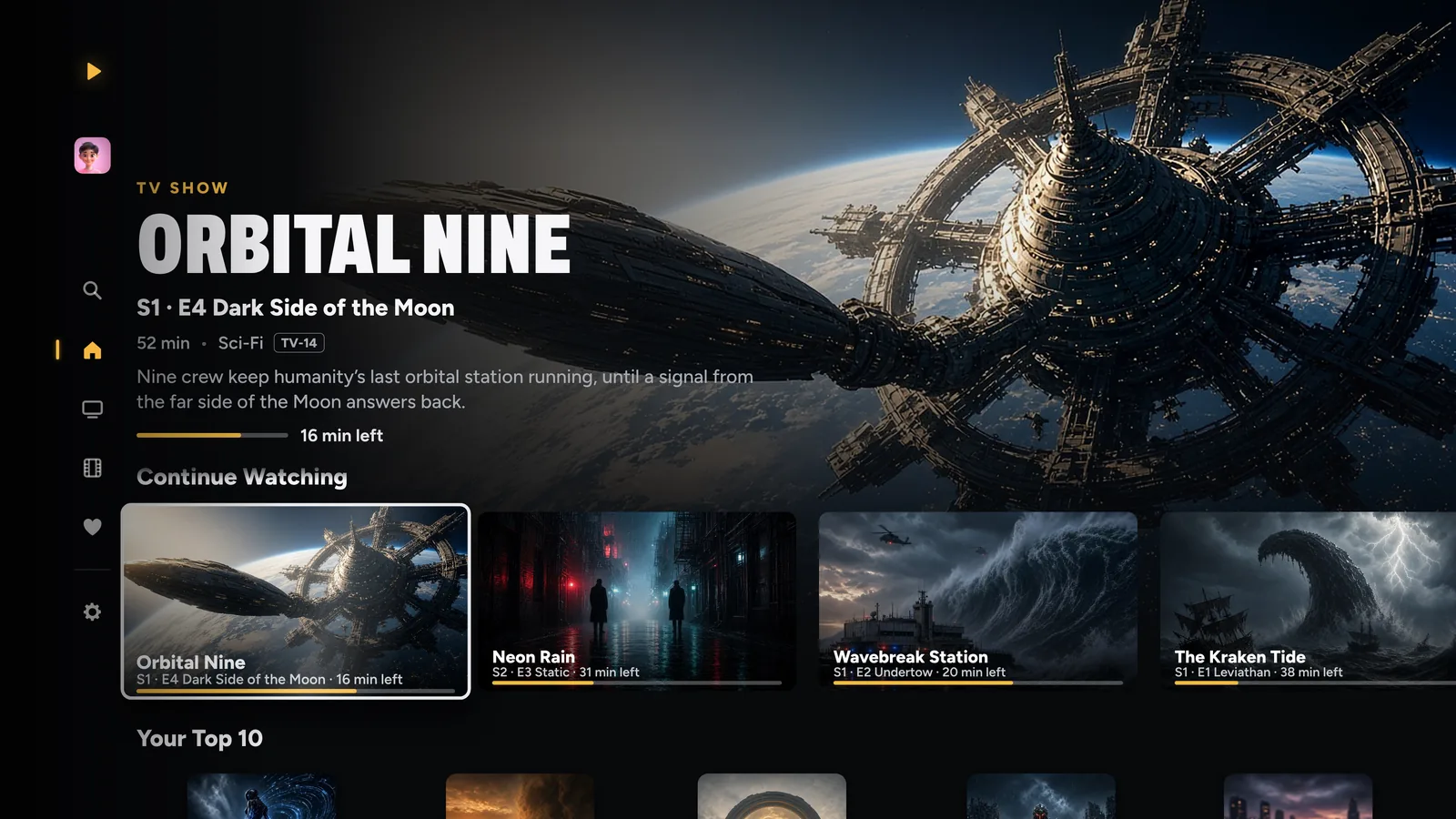
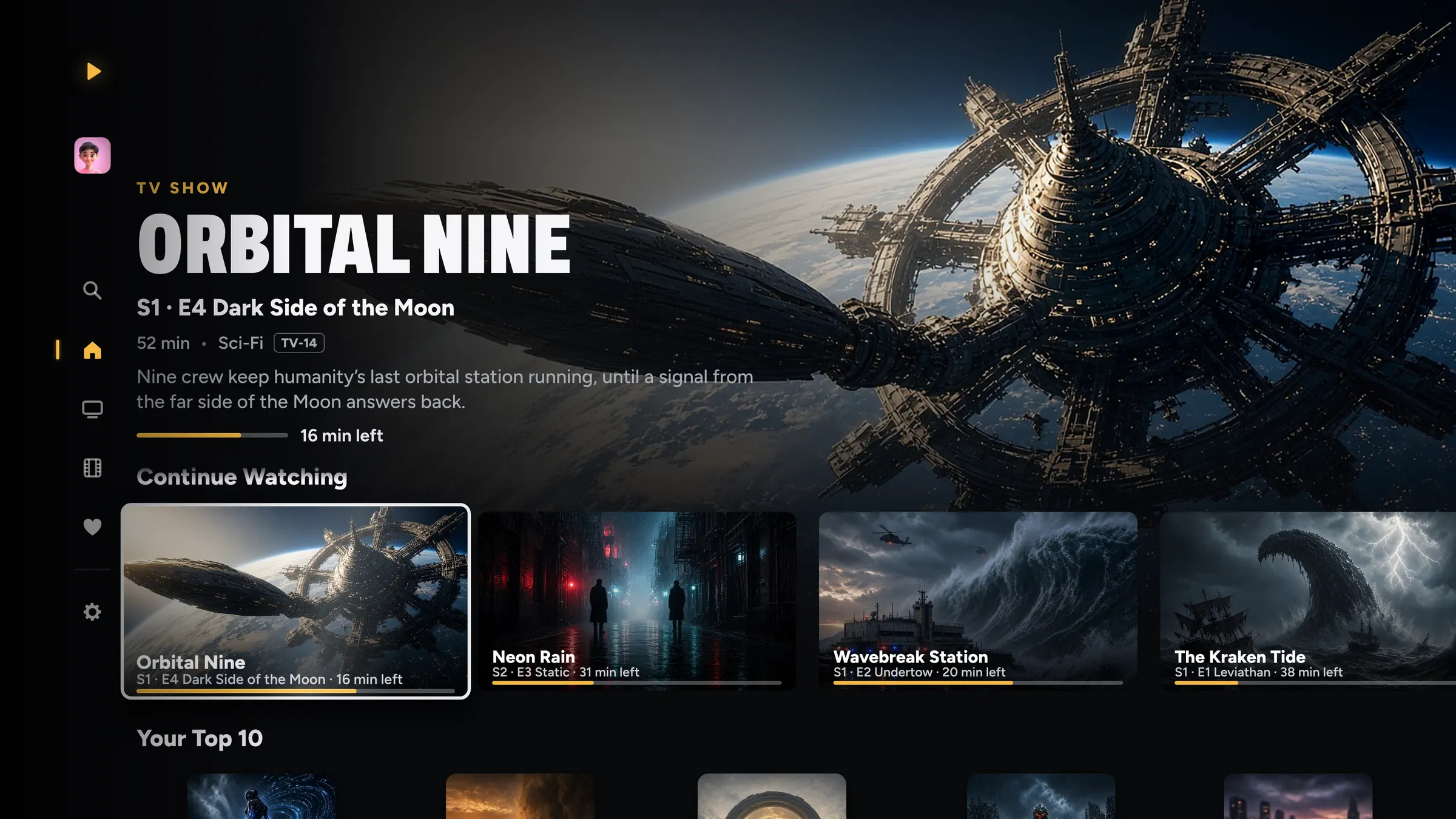
Apple TV
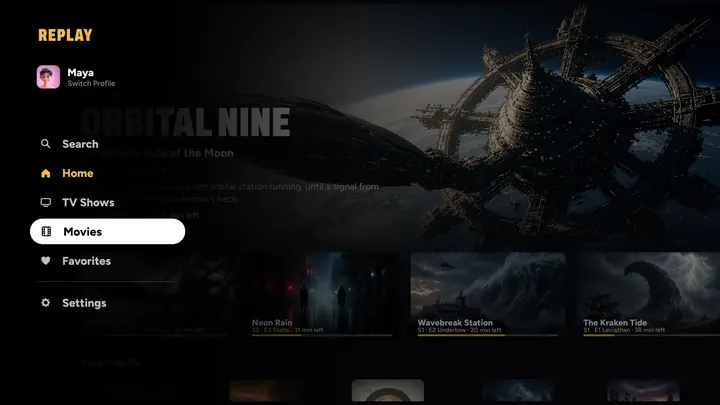
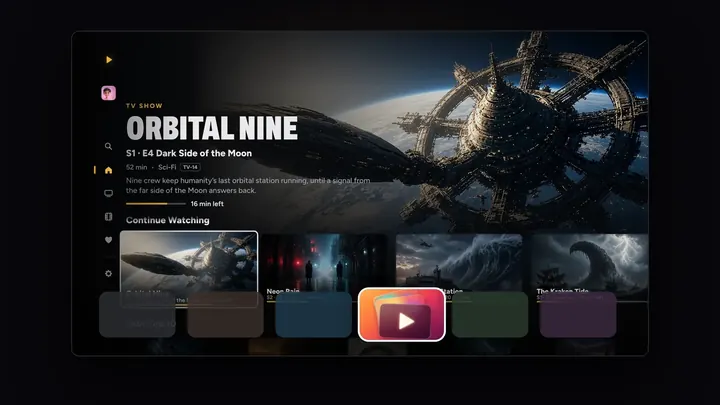
Made for the big screen.
The side menu, posters, every season in order, and a swipe-down info panel while you watch.
- Previews that play when you rest on a title
- Plays straight from OneDrive, Dropbox and the shared folders at home
- Your profile’s own Top Shelf row
- Ready to Play: your next titles start instantly
- Clarity makes lower-resolution video look closer to 4K
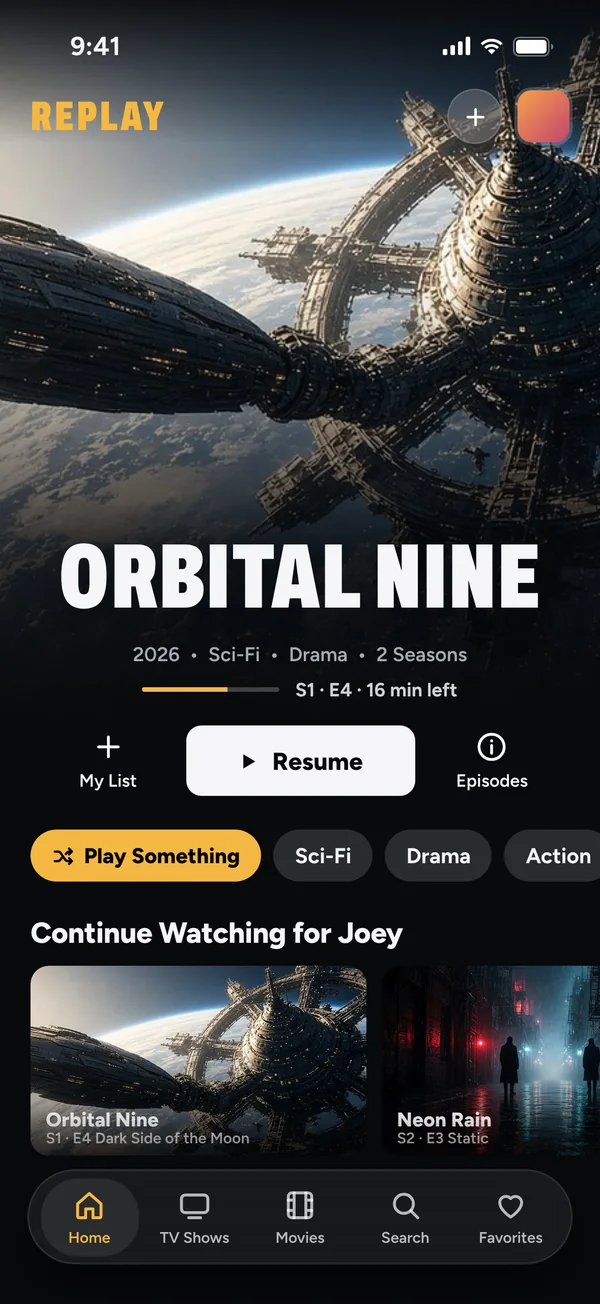
iPhone
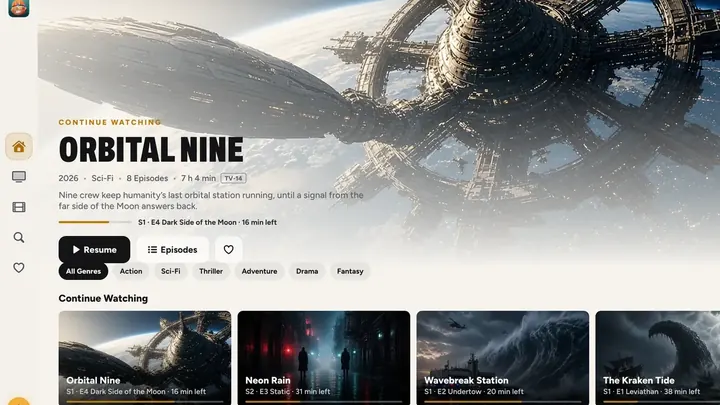
Where it all starts.
Add from Photos, the Files app, OneDrive, Dropbox or a computer at home, and it’s on every screen a moment later. Switch profiles from the avatar at the top of Home.
- A cinematic Home, with Play Something one tap away
- Search that finds any title or episode as you type
- Share to REPLAY from Photos
- Downloads for offline
- Your Lock Screen and Control Center show what’s playing
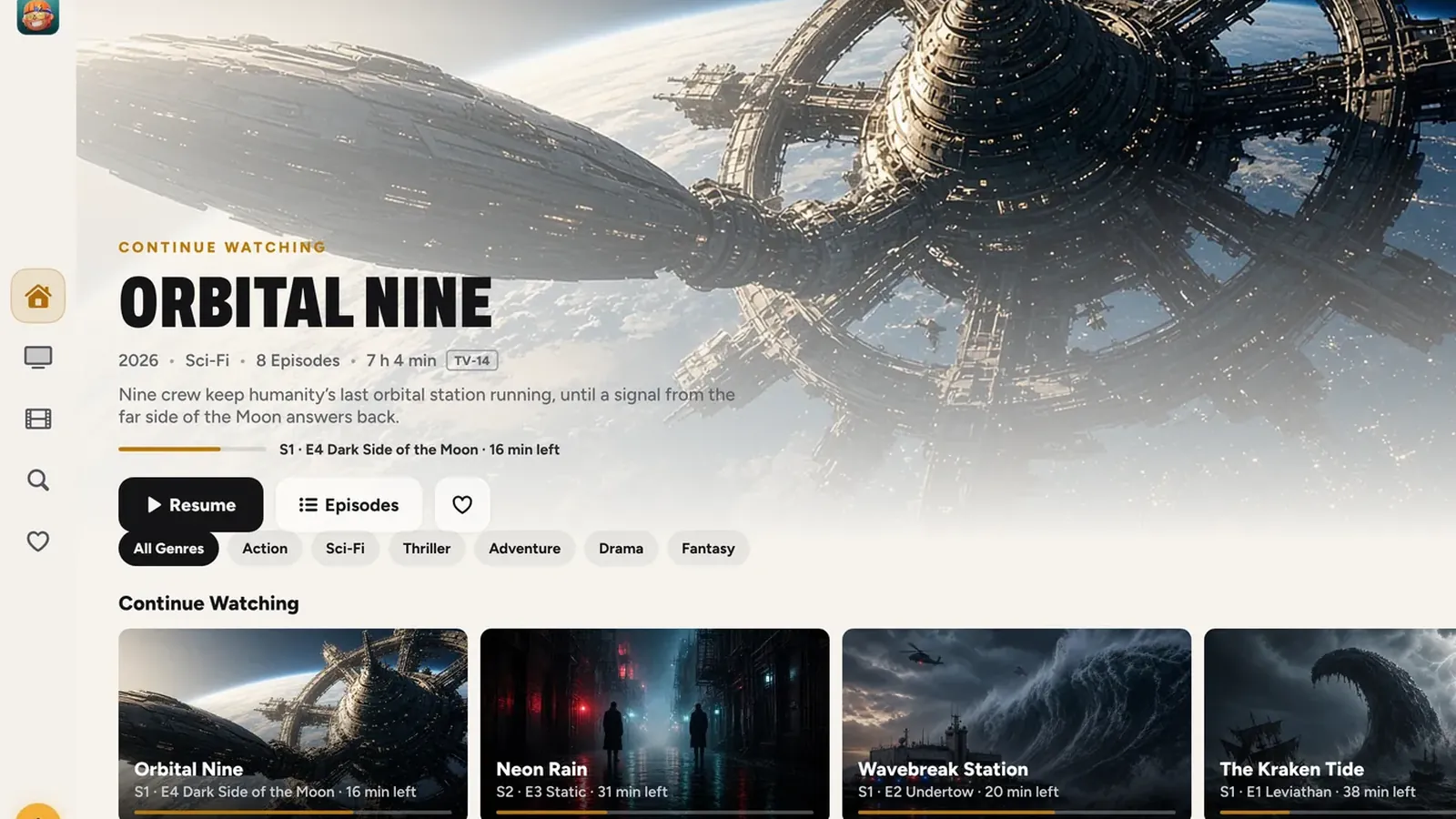
iPad
Big, cinematic, in your hands.
A side menu on iPad, Who’s watching? when REPLAY opens, and downloads for the trip.
- Portrait and landscape
- Add from the Files app, USB and SD drives, OneDrive, Dropbox and your home network
- Downloads, Picture in Picture and Share to REPLAY
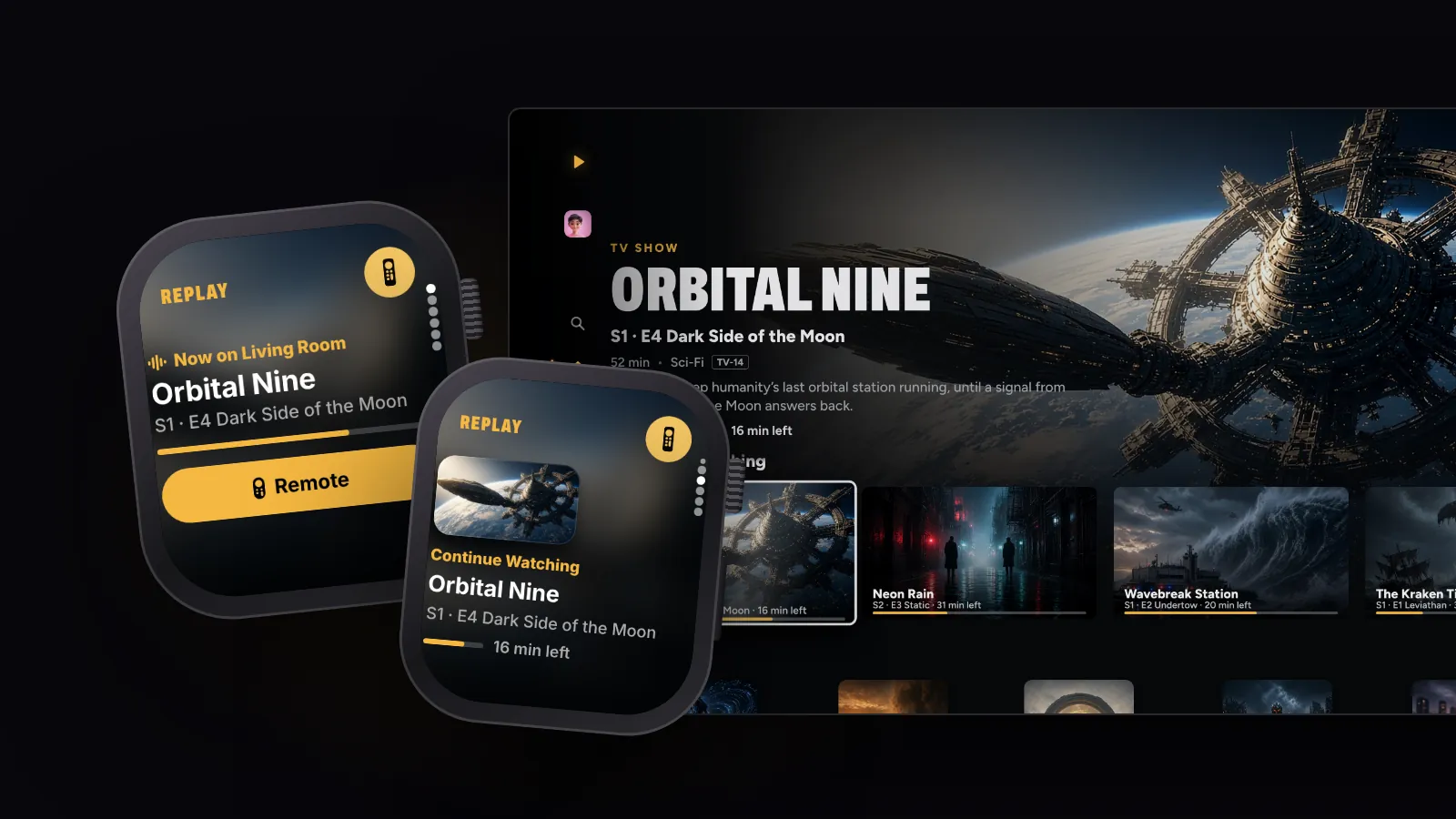
Apple Watch
Your wrist, the remote.
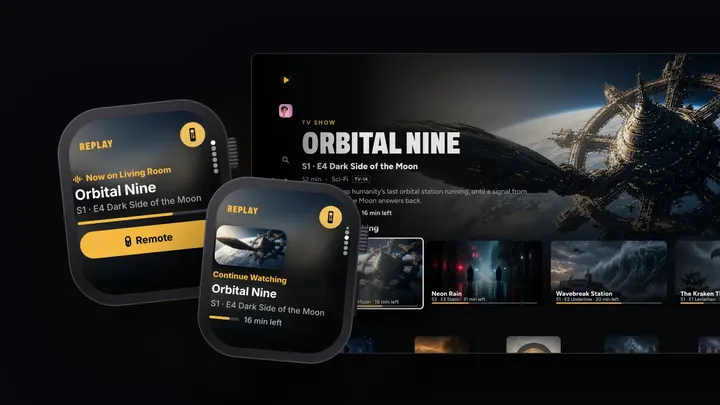
Continue Watching with its artwork, right on your wrist. Choose an Apple TV in the house, choose who’s watching, and it plays from that exact spot.
- Play, pause, jump 10 seconds and scrub with the Digital Crown
- Skip Intro and Next Episode
- Now Playing, on whichever TV
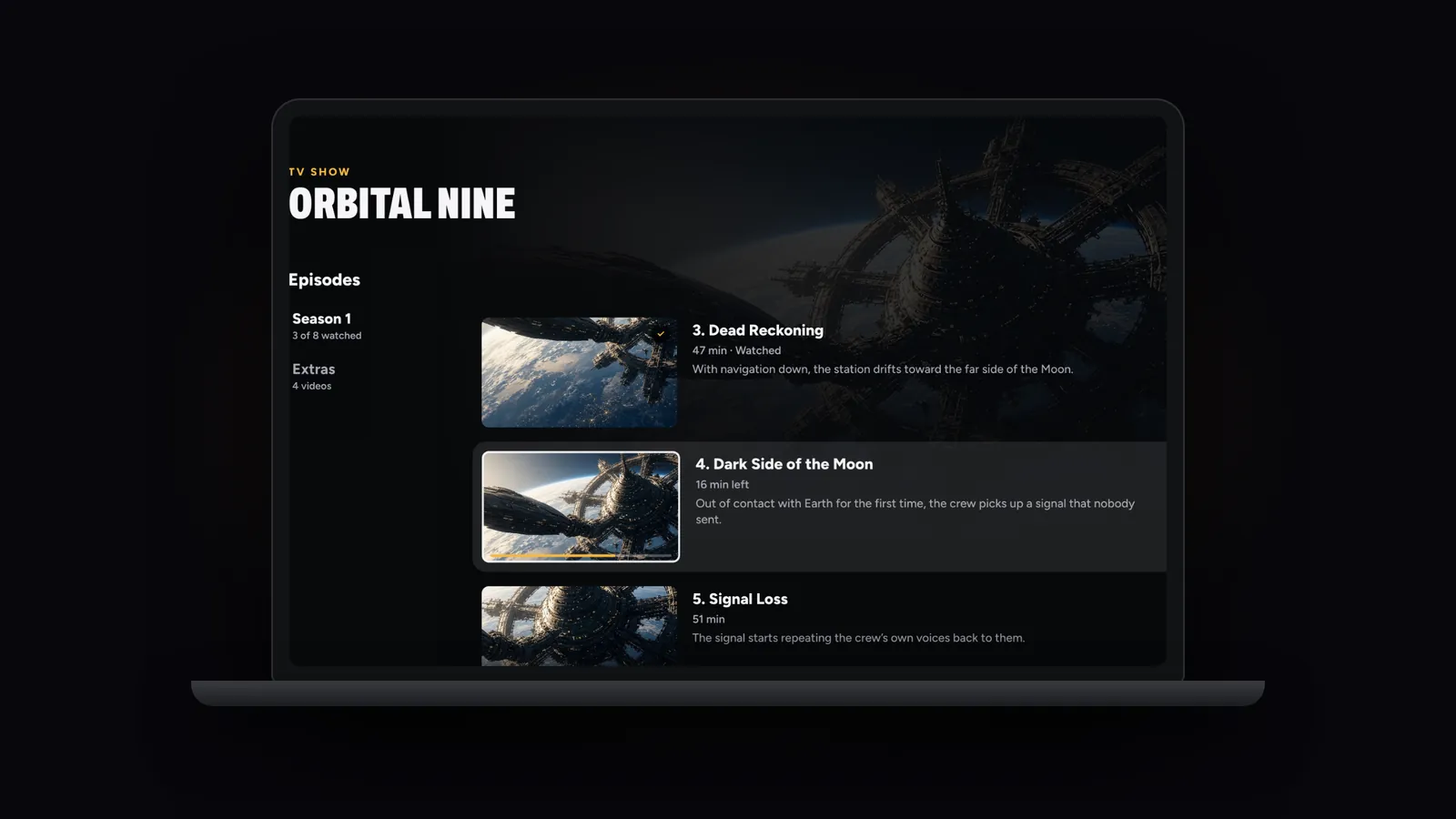
Mac and Apple Vision Pro
On the desk. Or as big as you want it.
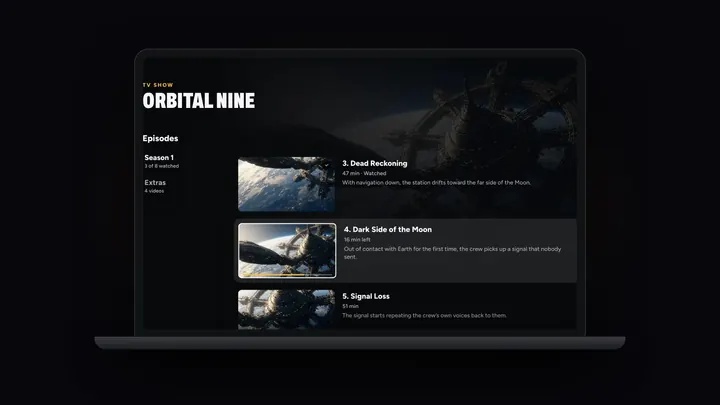
REPLAY on Macs with Apple silicon, with your library, progress and downloads right there on the desk. On Apple Vision Pro, your movies and shows play on a screen as big as you want it.
- Get REPLAY from the App Store on that device
- Your library and progress, already there
- One purchase covers every screen
Pause on your iPhone. Pick up on your TV.
At the very same frame. One purchase covers them all.
iPhone and iPad with iOS 26 or iPadOS 26, Macs with Apple silicon on macOS 26, Apple TV with tvOS 26, and Apple Vision Pro with visionOS 26, or later, plus REPLAY on Apple Watch alongside your iPhone.
Made for every screen
Works great with
All seven apps

Save it. Watch it.
Save a video with DOWNLOAD IT straight to Photos, share it to REPLAY, and it’s on your TV with a poster a moment later.
Meet DOWNLOAD IT
Old videos, made new.
Upscale a grainy home video to 4K with Scale the clip in GEEKED OUT, then watch it big in REPLAY.
Meet GEEKED OUT
Tell everyone what’s on.
Post your movie night on FLY(er) and link people straight to REPLAY.
Meet FLY(er)




Front row. Forever.
On iPhone, iPad, Mac, Apple TV and Apple Vision Pro, with Apple Watch as the remote.
7 days free on Yearly for new subscribers. Cancel anytime.